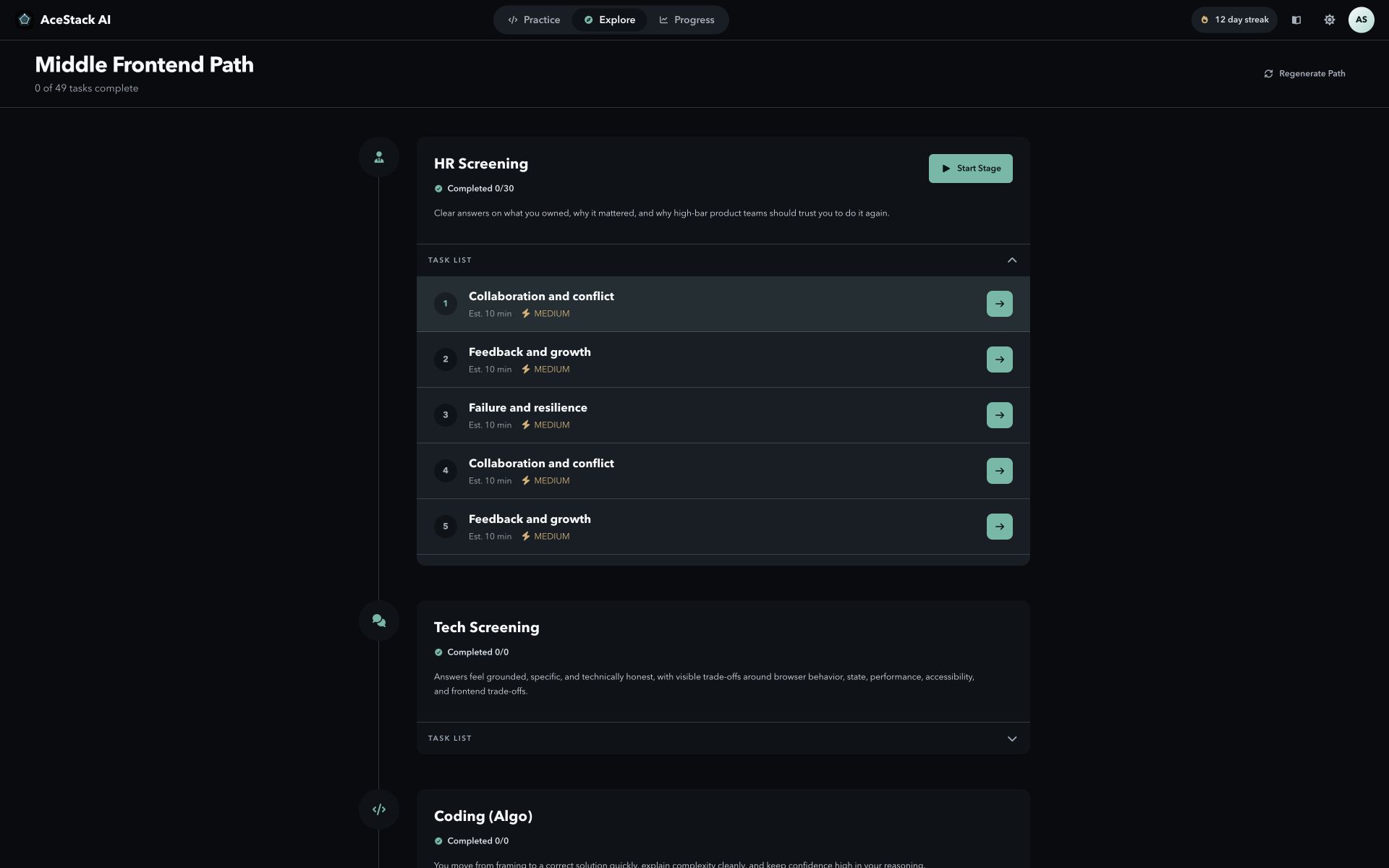
Set the target first
Choose your role, specialization, level, and company type. Explore uses those choices to remove interview stages that do not fit your target and keep the stages that do.
- Role controls the core interview loop.
- Specialization adds the right tools and topics.
- Level changes what a strong answer must prove.
- Company context changes the likely depth and format.
Read the path as a sequence
The path is ordered by interview stage. Each stage shows the tasks that prepare the same skill, so you can work on one gap without losing sight of the full loop.
Let evidence change the plan
After a reviewed attempt, AceStack AI updates stage readiness and can move the next task toward the weakest scored signal. A completed task alone does not raise readiness.
- Open the suggested task.
- Submit a real answer, query, or code change.
- Read the review and the missing signal.
- Use the next task to fix that signal.